Restore
Disaster recovery
Don’t panic! On a reinstalled computer:
- download your rustic profiles to a folder. You kept a copy of them, right?
- download Rusticlone and move it to the folder with your profiles
- run
rusticlone restore --all. Rusticlone offers to download rustic if it’s missing. If you don’t feel sure yet, append--dry-runto see what would happen, or restore one--collectionat a time


This will restore each collection from the latest snapshot of available repositories, giving preference to the primary. Rusticlone then offers to copy the profiles where it usually looks for them, so the backup server can use them too.
Partial restore
For more granular control over file restore you can use flags:
# check how many files would be created or replaced in a real restore
rusticlone restore --collection Documents --dry-run
# extract one folder of a snapshot to /tmp/restored/Taxes
rusticlone restore --collection Documents --snapshot 1a2b3c4d --snapshot-path /home/jack/Documents/Taxes --to /tmp/restored
# restore documents as they were on the 1st of October, from the repository with the most recent snapshots before that date
rusticlone restore --collection Documents --at-time 2026-10-01
More flags are available with rusticlone restore --help
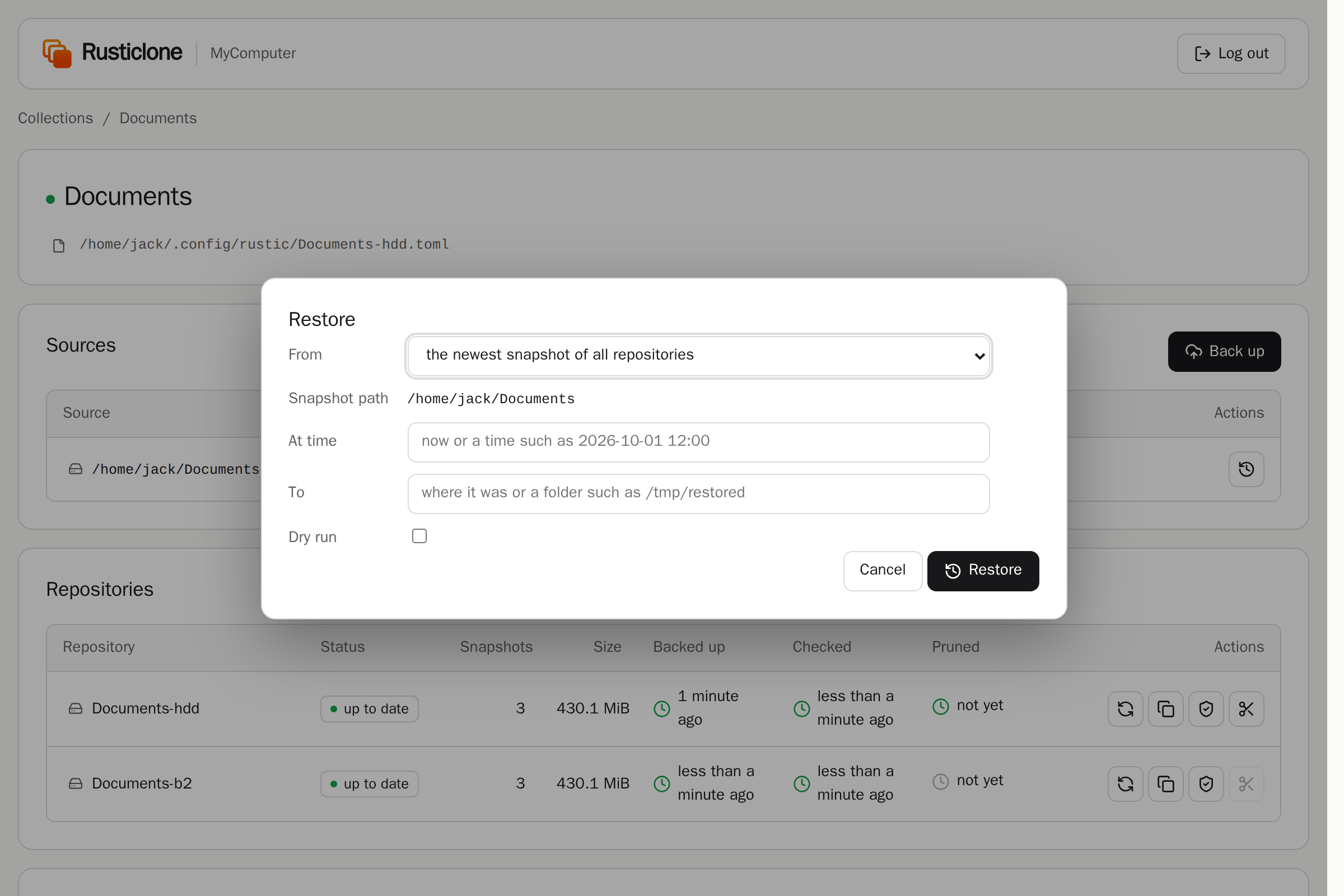
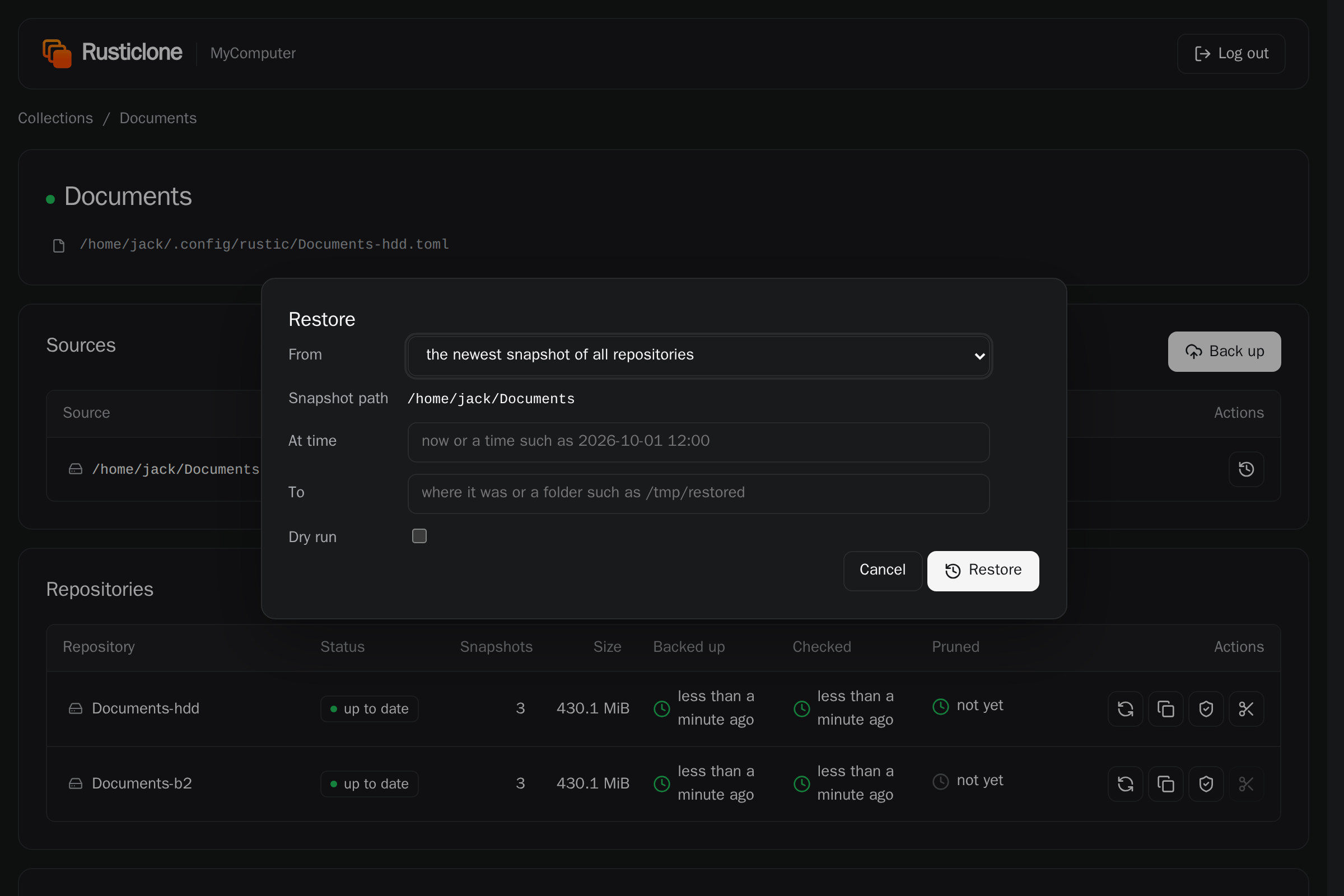
The web UI offers the same options:
Resuming backups after disaster recovery
After a disaster recovery, re-create the primary backup repository from an existing copy repository, never with a backup operation.
If the primary repository is lost too, a plain rusticlone restore --all or rusticlone restore --collection NAME does this for you: it re-creates the primary from an available copy target (e.g. Documents-b2), then extracts the files to their original location, so you only download once.
The reason is the chunker: a fresh repository created by a backup gets a random chunker polynomial, incompatible with the existing copy targets. Snapshots would succeed, but copies to the targets would fail with a chunker polynomial mismatch. A rustic profile cannot set the chunker polynomial (source).
To re-create a compatible primary repository from an existing copy target (or vice-versa) by hand, run:
rusticlone recreate --repo Documents-hdd