Web UI
rusticlone serve shows the status of your collections, live progress and logs.
From there you can start and stop runs, browse and download snapshots, compare them, and restore files or folders.
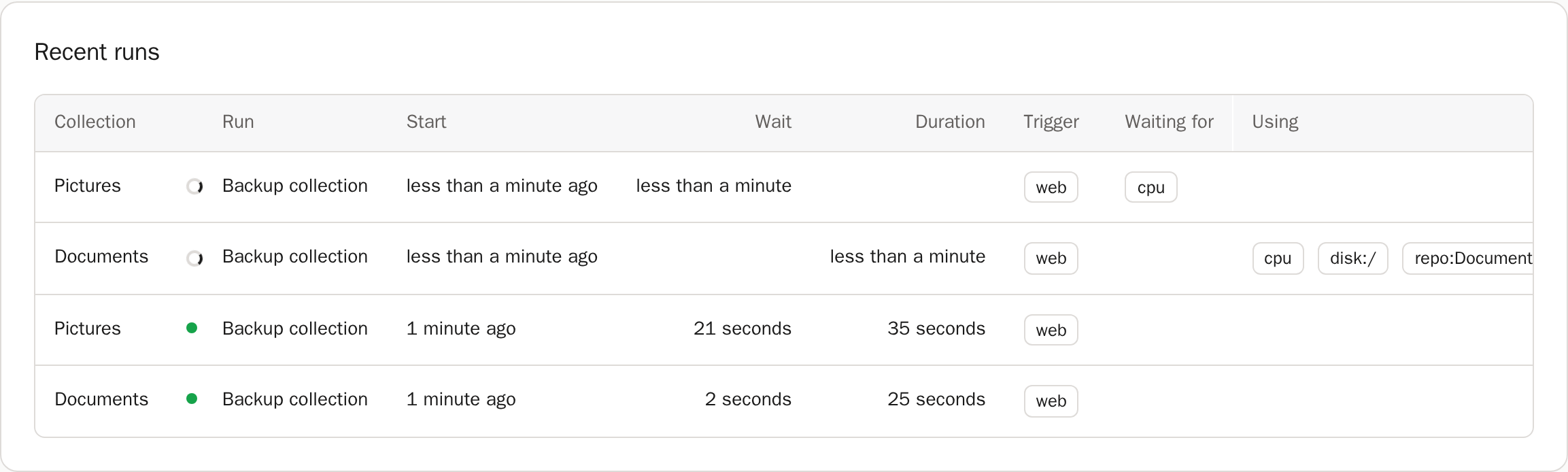
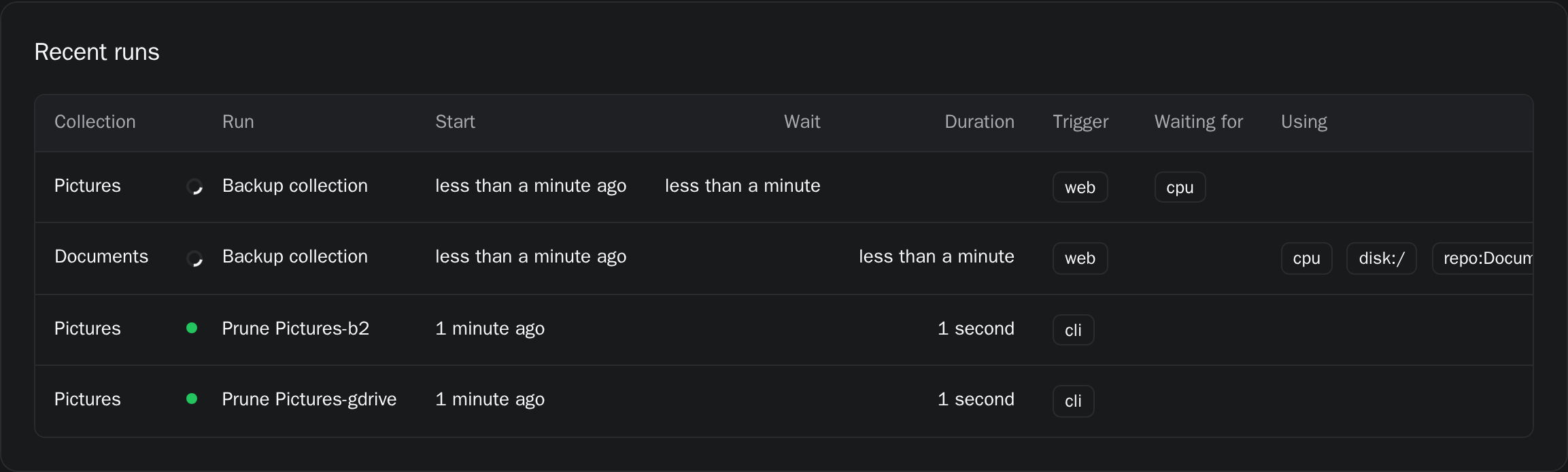
If RUSTICLONE_LISTEN is not set, the server will listen on localhost on port 32110.
If RUSTICLONE_ADMIN_TOKEN is not set, the server generates a random token in the state folder.
Desktop
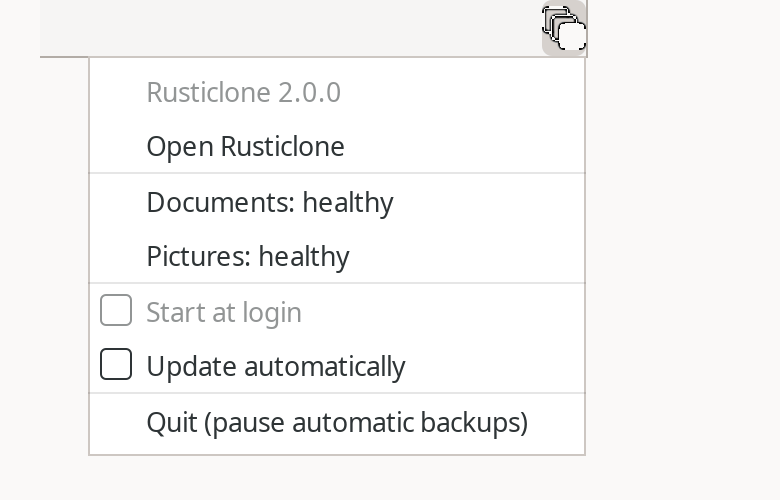
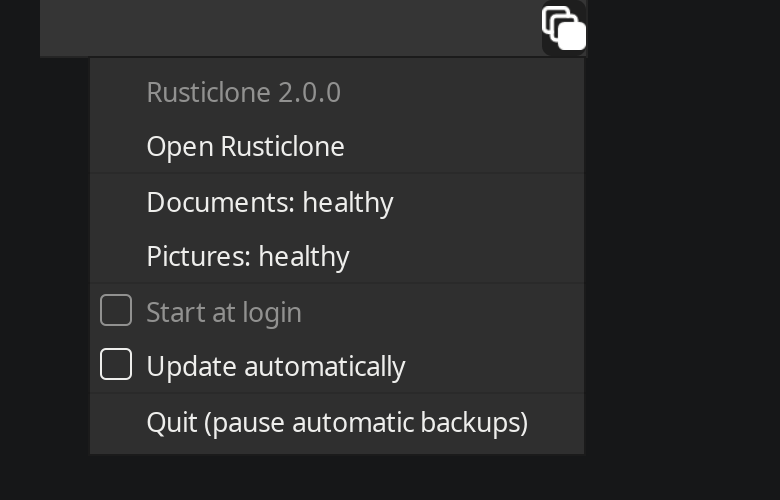
To access the web UI, open the desktop app, use the tray icon or run rusticlone serve --open.
This way, the token will be automatically passed to the login page and you won’t need to enter it manually.
Remote server
If you want to expose Rusticlone behind a reverse proxy, you have two options:
- authenticate the reverse proxy as admin by passing the admin token itself on every request, then handle authentication/SSO via the reverse proxy
- expose the app normally and have users enter the token manually
See packaging/nginx.conf for an example nginx configuration.
Without a public IP address or open ports on your router you can use a VPN like Tailscale or a reverse tunneling service like Cloudflare Tunnel:
cloudflared tunnel run --url http://localhost:32110 my-backups
Metrics
Most endpoints are meant to be used internally by the built-in htmx-based UI, and require an admin token.
Some can be accessed via a separate RUSTICLONE_METRICS_TOKEN:
/metricsexposes Prometheus metrics/statusexposes the same output asrusticlone collections --json/healthcan be used for the container health check, and doesn’t need a token at all